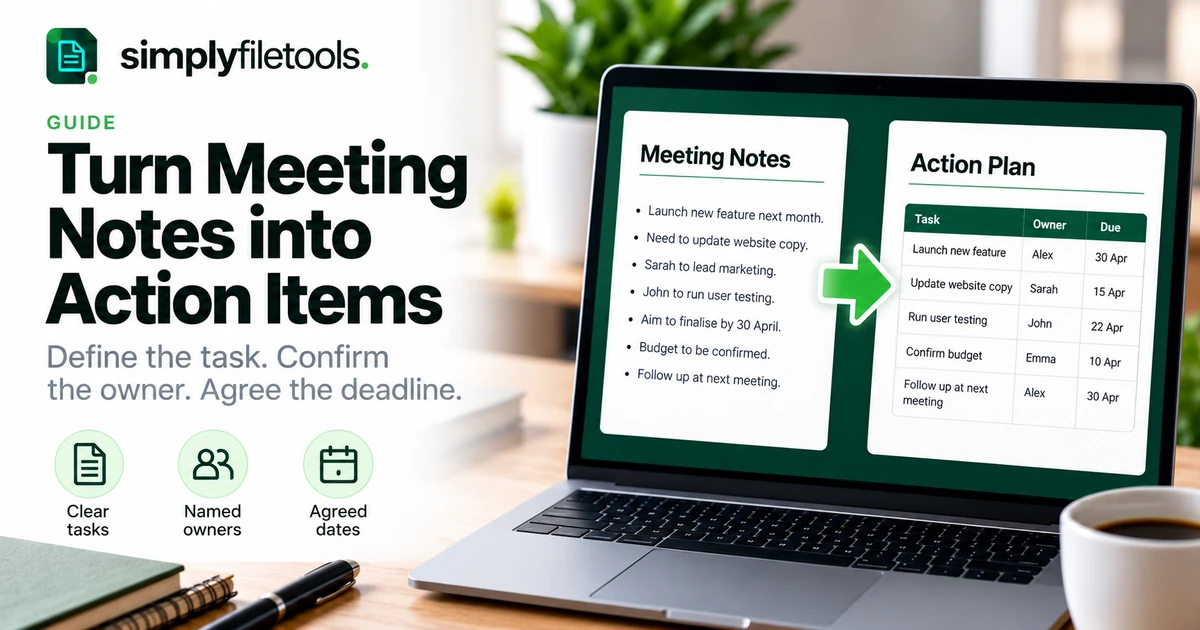
To turn meeting notes into action items, identify the work that was actually agreed, describe each task as a specific deliverable, confirm an owner and agree a deadline. Then place the reviewed actions in a simple tracker and follow up on progress.
Rough notes often mix ideas, decisions, questions and commitments. Copying them straight into a task list can create work nobody accepted or leave important follow-up unclear. This guide shows how to separate those details, write useful actions and maintain a reliable record, with a worked example you can adapt.
What is a meeting action item?
An action item is a defined piece of follow-up work arising from a meeting. It should explain what needs to be delivered, who is accountable and when the result is expected. Where useful, add a completion check and any dependency.
“Proposal discussed” is a note. “Use the revised scope” is a decision. “Alex to send the revised proposal to the review group by 20 November” is an action item. These records relate to one another, but they serve different purposes.
Keep the wider meeting record when it explains why the work was agreed. Our guide to writing effective meeting minutes covers decisions, discussion context and the reviewed record. This guide focuses on the task list that follows.
Step 1: collect the notes and preserve the source
Bring together the agenda, your working notes and any agreed written follow-up. Keep the original notes unchanged while preparing a separate action list. This makes it easier to check uncertain details later.
If notes are in a DOCX, the Word to Text tool can help recover reusable wording. For an image or screenshot, the Image to Text tool can extract text from supported files. Review the result against the source before interpreting it as a commitment.
For preparation details, see converting Word to plain text or copying text from a screenshot. Extraction saves retyping; it does not determine what the meeting agreed or assign work to anyone.
Step 2: separate decisions, actions and open questions
Read the notes once for meaning before creating tasks. Mark each relevant entry by its function. A short classification pass prevents suggestions from becoming assumed instructions.
| Type | Example note | How to handle it |
|---|---|---|
| Decision | Use the shorter proposal format | Keep as context for related work |
| Agreed action | Alex will circulate the revised draft | Define the deliverable and confirm the date |
| Suggestion | Could we add a customer survey? | Do not treat as approved work without confirmation |
| Open question | Who can approve the final wording? | Record the unresolved point and arrange clarification |
| Information | The current draft has five sections | Retain only where it helps understanding |
Words such as “maybe”, “could” and “subject to approval” matter. Do not remove them simply to make the action list look more decisive. Where agreement is unclear, label the entry for confirmation.
Step 3: rewrite each action as a deliverable
A useful action begins with a clear verb and names an observable result. “Review”, “send”, “confirm”, “prepare” and “test” can work when the object and expected output are specific.
Compare “look at the website” with “test the enquiry form and send the results to the project group”. The second wording tells the owner what to do and gives the team a way to recognise completion.
A practical sentence pattern is:
[Owner] will [deliverable] for [recipient or purpose] by [agreed date], with completion shown by [check, if needed].
Use the pattern as a prompt, not a requirement to make every row long. A simple task may only need a short description, an owner and a date.
Split actions when the work needs separate follow-up
One note can contain several tasks. “Update the proposal, check the price and send it to the client” may involve different owners or approval stages. Split it when those parts need separate responsibility or tracking.
Do not fragment every small step. Keep a task together when one owner can deliver a coherent result and the team does not need to track its internal steps separately.
Step 4: confirm the accountable owner
Use a named person where appropriate rather than “the team” or “everyone”. Several people may contribute, but the action should make clear who coordinates completion and reports back.
Do not assign an absent colleague simply because they seem the obvious choice. Record “owner to be confirmed” and ask the meeting lead to arrange agreement. If responsibility is shared by design, explain how coordination and completion will be handled.
For example, “Marketing to prepare the announcement” is incomplete if nobody knows who will deliver it. “Priya to coordinate the announcement draft with Marketing” gives the team a clearer point of contact, once Priya has accepted the task.
Step 5: agree deadlines and dependencies
Replace relative wording such as “soon” or “next Friday” with an agreed date. Add the year, time or time zone when needed to avoid ambiguity. If the meeting did not agree a deadline, mark it as unconfirmed rather than inventing one.
A dependency is something the action relies on, such as receiving client content or an approval. Record it beside the task. Distinguish a requested date from a confirmed commitment when the dependency is unresolved.
For example: “Prepare the final layout within two working days of receiving approved copy” describes a dependency, but the team may still need an expected delivery date for planning. Clarify both where they matter.
Step 6: put the actions in a simple tracker
You can use a document table, spreadsheet or the team's existing task system. Choose a place the owners will actually use. Avoid creating a second competing tracker when a suitable one already exists.
A practical set of fields is:
- Reference: a short identifier such as A1.
- Action: the expected deliverable.
- Owner: the accountable person.
- Due date: the agreed completion date or a clear confirmation status.
- Status: a consistent label such as not started, in progress, blocked or complete.
- Notes: dependencies, evidence or a link to the related decision.
Use only fields that help follow-up. A small meeting may not need priorities, categories and percentages. Keep the table readable and place long explanations in linked notes or nearby paragraphs.
Worked example: from rough notes to an action list
The following example is fictional. Imagine these notes from a project review:
Need revised proposal. Alex to circulate by 20 Nov. Sam checking price first, 18 Nov. Maybe add survey later. Priya needs client logo before layout. Review on 23 Nov.
Before treating the list as final, confirm the year, what “circulate” means and the timing of Priya's task. The survey remains a suggestion unless the group approves it.
| ID | Action | Owner | Due date | Dependency or check |
|---|---|---|---|---|
| A1 | Check the proposal pricing and send confirmed figures to Alex | Sam | 18 November 2026 | Confirm the figures before the revised draft |
| A2 | Circulate the revised proposal to the project review group | Alex | 20 November 2026 | Use confirmed pricing from A1 |
| A3 | Prepare the proposal layout using the approved client logo | Priya | To be confirmed | Awaiting logo and agreement on delivery timing |
The descriptions and recipient in this example would need confirmation from the participants; they should not be presented as facts established by the shorthand alone. Record the survey idea separately and keep 23 November as the proposed review date until its arrangements are confirmed.
This leaves the team with two dated commitments, one task requiring clarification and one unapproved idea. It is more useful than forcing every note into a completed-looking task row.
Step 7: review the list with the people involved
Send the draft through the team's agreed review process. Ask owners to confirm the deliverable, responsibility and date. Resolve differences before treating an uncertain entry as an accepted commitment.
- Check the action against the source notes and related decision.
- Confirm the owner has accepted responsibility.
- Verify the deadline and any dependencies.
- Make the completion check clear where needed.
- Share the reviewed list and identify where updates belong.
If an urgent task must start before the full minutes are reviewed, confirm that task directly through the agreed working process. Label draft records accurately.
Step 8: follow up and close actions properly
Review open actions at an agreed interval or the next meeting. Focus on progress, blockers and decisions needed to finish the work. Update the tracker so people can distinguish an unchanged task from one whose timing or scope has been revised.
Close an action when the agreed output is delivered and any required check is complete. “Email sent” may be sufficient for a circulation task, but not for a task that required approval of the attached document.
Keep a note of agreed changes to dates or responsibilities. Do not silently rewrite the historical meeting record to suggest that a revised deadline was the original commitment.
Common problems and how to fix them
The list contains vague tasks
Ask what the owner must deliver. Replace “follow up” with the specific contact, question or result needed, without inventing details that were never agreed.
Several people think someone else owns the task
Clarify the accountable owner and contributors. If nobody has accepted the work, keep ownership unconfirmed and ask the meeting lead to resolve it.
Every action is marked urgent
Discuss the order of work, dependencies and realistic capacity. A priority label is not a substitute for an agreed date or a decision about competing tasks.
The notes or extracted text are incomplete
Return to the source or ask the participants. Check names, dates and words such as “not” in recognised text. Do not use a polished summary to conceal uncertainty.
Actions disappear between meetings
Keep one agreed tracking location, carry open items forward and review exceptions. Add a clear reference to the relevant meeting so unresolved work remains traceable.
Frequently asked questions
What is the difference between minutes and action items?
Minutes record the meeting's business and outcomes. Action items identify the follow-up work. Keep links between them when context matters.
Does every action need a deadline?
An agreed date helps follow-up. If it has not been set, record that clearly and arrange confirmation instead of guessing.
Can an action have more than one owner?
It can involve several people, but clarify who coordinates delivery and reports completion. Split work when separate responsibilities need tracking.
Should I include every suggestion as a task?
No. Separate ideas from agreed work. A suggestion becomes an action only when the appropriate people confirm the next step.
Can AI turn my meeting notes into tasks?
A tool can help organise wording, but its output still needs review. It should not invent approval, owners or deadlines. Confirm the list against the actual meeting record.
Do I need dedicated project-management software?
No. A simple table can work for a small list. Use the team's established system when it supports ownership, dates and follow-up effectively.
Make the next step clear
A useful action list reflects agreed work: a defined output, an accepted owner and a confirmed date or clearly marked gap. Preserve the source, review the wording and track changes openly.
Use the SimplyFileTools free text extraction tools if you need wording from existing notes. For a presentable meeting document, explore the document templates and check the final layout with your own content. Text extraction does not assign, approve or track tasks for you.
Ready to try it?
Turn your notes into a professional document with a ready-made design.
Explore templates →