Upload your image
Choose a JPG, PNG or WebP file above, then select Upload file to begin.
YOUR DOCUMENT WORKSPACE
Extract text for freeUpload your document or image, then copy or download the extracted text.
Convert JPG, PNG and WebP images into editable text for free. PDF and Word (.docx) uploads also supported. Review, copy or download TXT.
Upload an image, PDF or Word document to get editable text.
or choose one from your device
JPG, PNG, WebP: max 10 MB, 12 megapixels · PDF, DOCX: max 20 MiBQuick security check to protect free processing.
Text extraction is free. No payment or temporary wallet hold is required.
Your file has been saved. We’ll extract its text so you can review it before copying or downloading.
Only use this if the extracted content needs another AI pass. Text extraction is free. Recognition still needs your review.
Please keep this page open. Larger documents can take a little longer.
Compare the extracted text with your original file, especially names, numbers, dates, handwriting and tables. Recognition may use OpenAI. Text output does not preserve the image layout. If you later choose an optional professional document design, review every preview page before purchasing.
Text extraction is free. Optional PDF + editable Word downloads cost USD $3.99. Existing historical credits and purchases remain valid; included design changes and repeat downloads keep their existing access period.
Tick the box above to unlock PDF + editable Word.
Includes PDF + editable Word
Paid downloads for these seven designs include the approved PDF and an editable Word (.docx) file in one ZIP. Word layout may vary between apps. For a PDF-only download, open My account.
Free text extraction · Copy or download TXT · No subscription
Documents are stored privately.
Fictional sample content.
Text trapped in a screenshot, photograph or scanned note? SimplyFileTools helps you extract the words so you can copy them, save them as TXT and use them again.
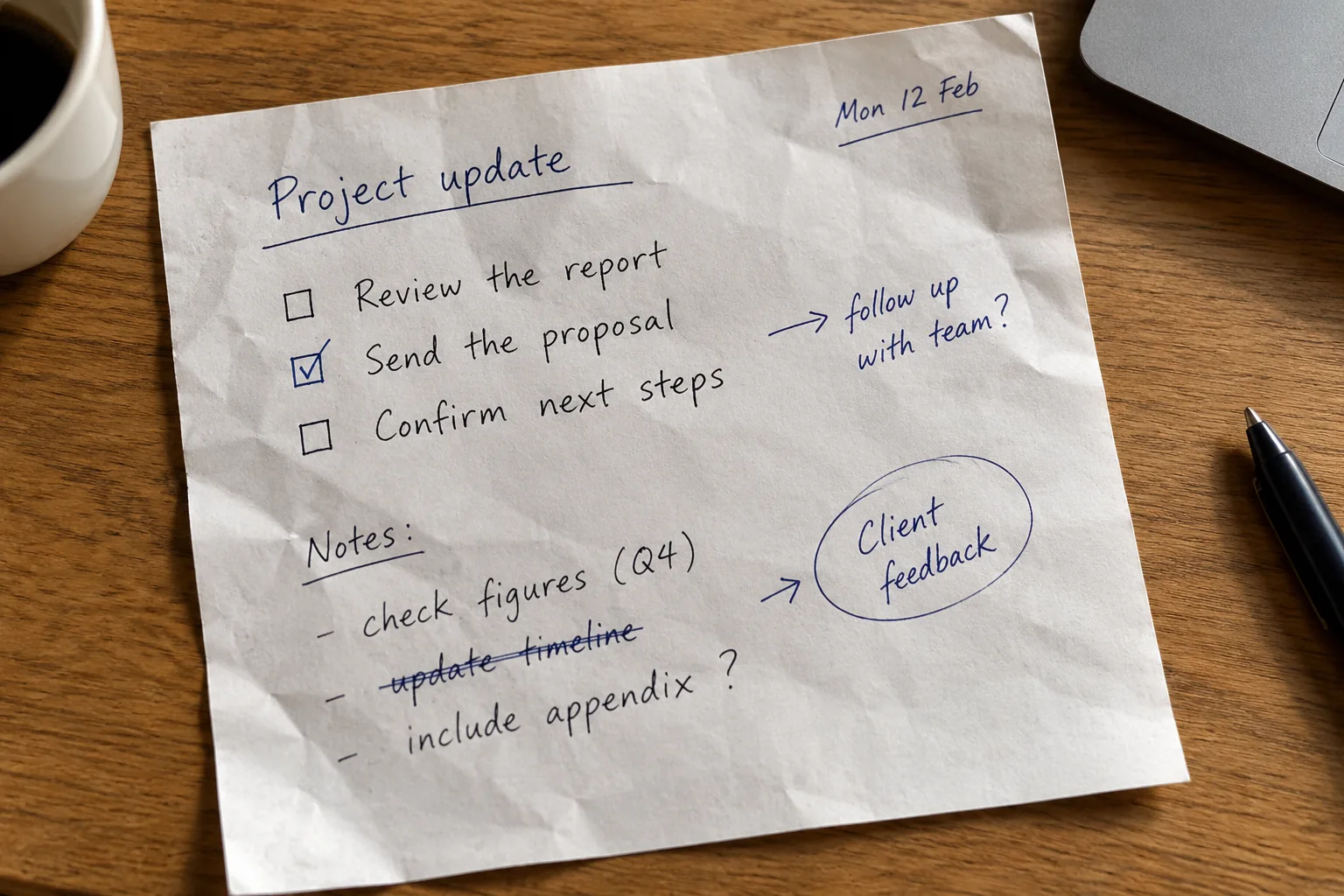
Project update
Mon 12 Feb

☐ Review the report
☑ Send the proposal
☐ Confirm next steps

→ follow up with team?

Notes:
- check figures (Q4)
- update timeline [crossed out]
- include appendix ?

Client feedback
Illustrative transcription of fictional handwriting, not a verified OCR result. Check actual extraction against your original; handwriting, checkboxes and crossed-out text may be recognised incorrectly.
Choose a JPG, PNG or WebP file above, then select Upload file to begin.
Read the extracted text and compare names, numbers and punctuation with your original.
Copy your text or save it as a TXT file for free. Professional document designs are optional.
Reuse text captured from a webpage, app or presentation.
Extract item names and amounts, then check every figure.
Make photographed notes easier to copy and organise.
Read text from photographed letters and printed pages.
Choose a clear JPG, PNG or WebP image and extract the words into a TXT file. The examples below are illustrations, not measured recognition results.
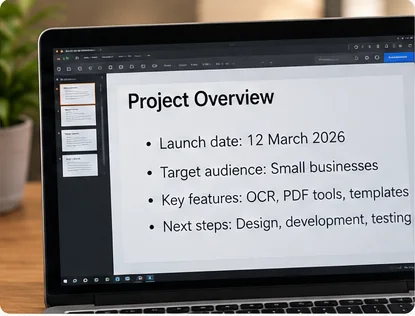
Save a screenshot of an app, webpage or presentation, then upload it to copy the wording without retyping. Crop out unrelated content when possible, and check line breaks, links and punctuation in the extracted text.
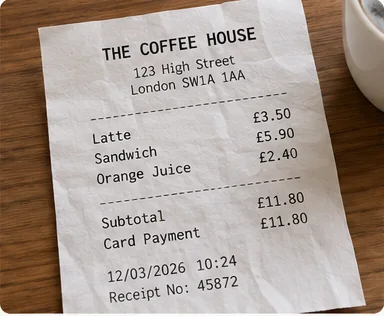
Turn a clear receipt, printed letter or photographed page into plain text. Compare totals, dates, reference numbers and names with the original. TXT keeps the words, not the original table or page layout.
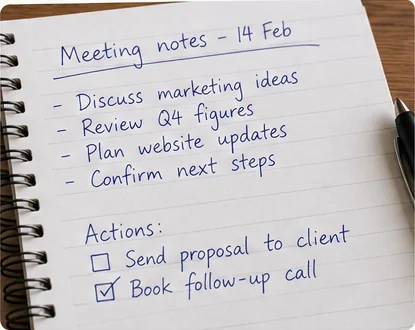
Clear handwriting may be recognised, but connected letters, crossed-out words, checkboxes and unusual spacing are harder to interpret. Check the result carefully before using it in a report or sharing it with others.
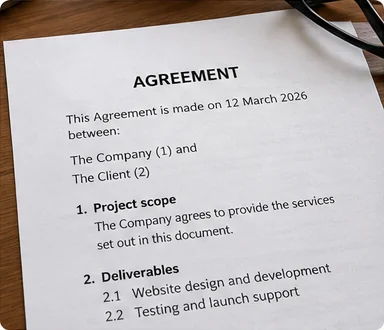
Photograph a printed document straight on, keeping the whole page sharp and readable. For existing PDF and Word files, you can also use the dedicated PDF to Text and Word to Text tools.
Good source images make text recognition more reliable. Before uploading, try these practical checks:
Keep small characters in focus and avoid strong shadows, reflections and glare.
Photograph documents from directly above to reduce perspective distortion.
Leave enough space around the words, but remove distracting objects and borders.
Double-check amounts, names, dates, tables and similar-looking characters such as 0/O or 1/l.
Text extraction is free. Recognition may use an AI provider, and results are not guaranteed to be exact. Read the Privacy Policy before submitting sensitive information.
Yes. Text extraction, copying and TXT downloads are free. Optional professionally designed PDF and editable Word downloads are paid separately.
JPG/JPEG, PNG and WebP are supported, up to 10 MB, 12 megapixels and 10,000 pixels on either side. All limits apply.
Yes. Clear screenshots and photographs often work well. Always verify figures, dates and names against the original image.
Recognition may work with clear handwriting and tables, but accuracy and reading order vary. The free TXT output does not reproduce the original visual layout.
No. Uploaded images are processed by SimplyFileTools and recognition may use an AI provider. See our Privacy Policy before uploading sensitive material.
Extract text for free, review the result and download TXT. No subscription required.
Available professional designs: 7. Fictional samples, not your document. Browsing does not start processing.
Thumbnails use sample content. Atlas is designed for CVs and résumés; Meridian is designed for reports and business documents; Correspond is designed for cover letters and business letters; Convene is designed for meeting documents. Preview your own content before purchase.