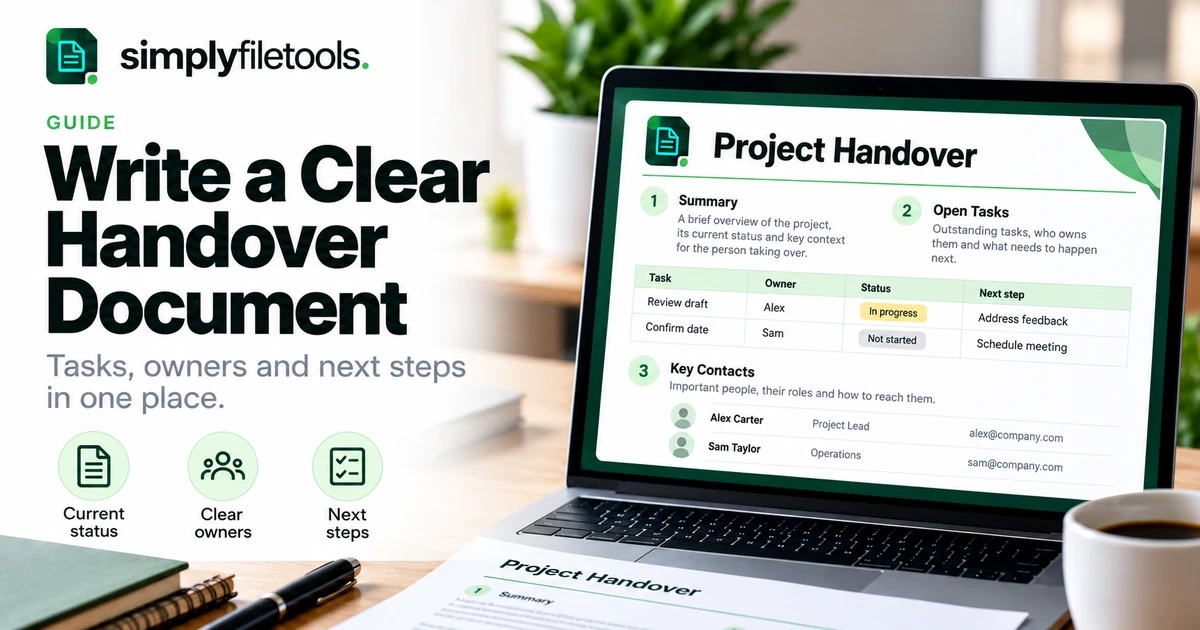
To write a useful handover document, explain what the next person is taking over, the current position, the actions still required and where to find the supporting information. Give each open action an owner and a clear next step, then review the document with the person receiving it.
A handover is useful when someone changes roles, takes leave or transfers a project to another team. The aim is practical continuity: the recipient should be able to find the right files, understand outstanding decisions and act without reconstructing months of messages. This guide includes a reusable outline, a fictional example and a final review checklist.
What is a handover document?
A handover document is a written guide to work being transferred. It captures enough context for another person to continue that work, including responsibilities, deadlines, dependencies and unresolved issues.
It can cover a whole role, a specific project or a short period of absence. The scope should be explicit. A leave handover may focus on the next two weeks, while a permanent role transition may also need recurring duties and longer-term commitments.
Do not rely on the document alone to establish that the transfer is complete. The recipient may still need access, explanations or a decision from a manager. Record what remains outstanding rather than marking everything as handed over simply because a file was sent.
Choose the scope before collecting details
Write down who will use the handover and what they need to do. This helps you include useful context without producing an archive of everything you have ever worked on.
| Handover type | Main focus | Useful extra detail |
|---|---|---|
| Temporary leave | Work due during the absence | Cover arrangements and escalation contact |
| Role transition | Responsibilities and recurring routines | Decision history and stakeholder relationships |
| Project transfer | Deliverables, current position and open work | Acceptance checks and dependencies |
| Client account transfer | Current commitments and agreed next steps | Approved contact routes and recent decisions |
For example, someone covering inbox questions for a week may need the current response process and escalation route. They probably do not need an unfiltered export of every old discussion.
Step 1: write a short overview
Start with the document's purpose, the work covered, the handover date and the people involved. Add a last-updated date so the reader can judge how current the information is.
Summarise the position in a short paragraph. State what is complete, what is active and what needs attention first. Use concrete wording: “The draft is ready for review; the launch date is awaiting confirmation” is more useful than “Mostly finished”.
If you already have a recent update, use our project status report guide to organise the current position. Then add the instructions and context needed for transfer.
Step 2: list open work with owners and next actions
The action section should answer who needs to do what, by when and what they are waiting for. Separate a task's current status from its next action.
| Field | What to record |
|---|---|
| Task or deliverable | A specific piece of work |
| Current position | What has actually happened so far |
| Owner | The confirmed person responsible for progressing it |
| Next action | The immediate practical step |
| Due date or trigger | When action is needed, including a time zone if relevant |
| Dependency | A decision, file or event needed before progress |
Do not assign someone in the document and assume they have accepted the responsibility. Confirm proposed owners and mark any unconfirmed assignment clearly. If a date is a target rather than an agreed deadline, label it that way.
When actions are scattered through meeting notes, use our action-item workflow to separate decisions, tasks and unresolved questions.
Step 3: explain routines and decision boundaries
For a role handover, list recurring work by frequency: daily checks, weekly updates, monthly reviews or event-driven tasks. Include the starting point, expected result and any approval required.
For example, “Send the weekly update” is incomplete. A better instruction identifies where the draft lives, when it is due, who reviews it and which approved distribution list to use.
Explain what the recipient can decide and what needs escalation. A named contact is more useful when the document also says when to involve them. Avoid implying authority that has not been agreed.
Step 4: link supporting files and access instructions
Use clear file names and links to the current approved location. A list of attachments with names such as “final-new-v3” makes the recipient work out which one matters.
- Identify the current working document and any approved reference version.
- Label archived material so it is not mistaken for the latest instruction.
- Explain briefly what each important link contains.
- Ask the recipient to test access using their own account.
- Record access requests that remain unresolved and who can approve them.
Do not put passwords, recovery codes or secret keys into the handover. Describe the approved access process or credential-management route instead. A link that works for the outgoing person does not establish that it works for the recipient.
If useful context is locked inside an older PDF or DOCX, PDF to Text or Word to Text can help recover wording from supported source files. Check the extracted text against the original, particularly dates, names and task relationships. Extraction does not decide what should be included in the handover.
Step 5: record risks, open decisions and contacts
Include issues the next person needs to watch, with the likely effect and the next response. Distinguish a known problem from a possible risk and from a decision still required.
For instance, “The supplier has not confirmed delivery” is a current issue. “Delivery may slip if confirmation is late” describes its possible consequence. The next action could be to request confirmation by an agreed date and escalate if it does not arrive.
Keep contact details relevant to the task. State each person's role, the reason to contact them and the approved channel. Avoid copying a large directory of personal details into every handover.
A reusable handover document outline
Copy this structure into your preferred document editor and adapt it to the work. Remove sections that do not help the recipient, and follow any required organisational template.
Handover title
Scope:
Prepared by:
Receiving owner:
Handover date:
Last updated:1. Current position
Purpose, completed work, active work and first priorities.2. Open actions
Task, current position, confirmed owner, next action, due date and dependency.3. Recurring responsibilities
Frequency, starting point, expected result and approval route.4. Files and access
Current locations, document purpose, access checks and outstanding requests.5. Risks and decisions
Known issues, decisions required, next response and escalation contact.6. Review and acceptance
Walkthrough completed, questions answered, remaining gaps and agreed follow-up.
Use consistent headings and modest formatting. For a longer document, see professional report formatting for ways to keep the content easy to scan.
Worked example: transferring a customer newsletter
Imagine a fictional team handing over a monthly newsletter. Alex prepared the content; Sam will coordinate the next issue. The handover is dated 26 October 2026.
Current position: The first draft is complete. Two product descriptions still need factual review. The sending date is a target of 5 November 2026, subject to approval. Sam has confirmed responsibility for coordination.
| Open work | Owner | Next action | Due or trigger |
|---|---|---|---|
| Product descriptions awaiting review | Alex | Request corrections from the product contact | 28 October 2026 |
| Issue approval | Sam | Submit the revised draft to the approver | After factual review |
| Sending schedule | Sam | Confirm the date after approval | Before scheduling |
Files and access: Link to the working draft, the approved style guide and the team's current checklist. Sam should confirm access to the required workspace through the normal account process.
Open risk: The target date may move if factual review is delayed. The handover should name the person who can agree a revised schedule. It should not describe the newsletter as approved or scheduled until those steps have happened.
Review: Alex and Sam walk through the draft and action list, record any unanswered questions and agree who will resolve them. The example illustrates clarity of transfer; it is not a universal newsletter process.
Common handover problems and fixes
The document is a long history with no priorities
Move the current position and immediate actions to the beginning. Keep historical explanations only where they affect the next decision, and link to supporting detail.
Tasks have names but no accepted owner
Confirm responsibility with the people involved. Mark proposed assignments and escalate unresolved ownership rather than presenting an assumption as agreement.
The recipient cannot open the files
Test links with the recipient before the transfer. Record the approved access route and outstanding requests; do not share the outgoing person's login.
Dates and status descriptions conflict
Compare the handover with the current working records. Add a last-updated date and identify which source should be maintained for each kind of information.
The handover is sent without a walkthrough
Arrange a suitable review or asynchronous question process. Ask the recipient to explain the first actions and flag anything they cannot complete from the instructions.
Frequently asked questions
How long should a handover document be?
Long enough to support the transfer without burying priorities. A short absence may need a concise checklist; a complex role may need a summary with linked procedures.
What is the difference between a status report and a handover?
A status report describes progress. A handover also explains how another person will continue the work, including responsibilities, context and access.
Should unfinished tasks be included?
Yes. State their actual position, next action, owner and dependencies. Do not hide unfinished work to make the transfer look complete.
Who should review the handover?
The receiving person and the relevant manager or project owner should review the parts they need to confirm. Follow your team's approval process.
Can I use the same outline for annual leave?
Yes, adapted to the coverage period. Emphasise actions due during the absence, delegated decisions and escalation arrangements.
When is the handover finished?
When the agreed transfer requirements have been met and remaining gaps have explicit owners. Sending the document alone does not demonstrate that the recipient can continue the work.
Make the next action clear
A useful handover connects the current position to practical next steps. Confirm owners, check links, explain decisions and review the result with the recipient.
Browse SimplyFileTools document templates for layout ideas, then adapt the outline above to your team's actual responsibilities and processes.
Ready to try it?
Turn your notes into a professional document with a ready-made design.
Explore templates →